File Sharing
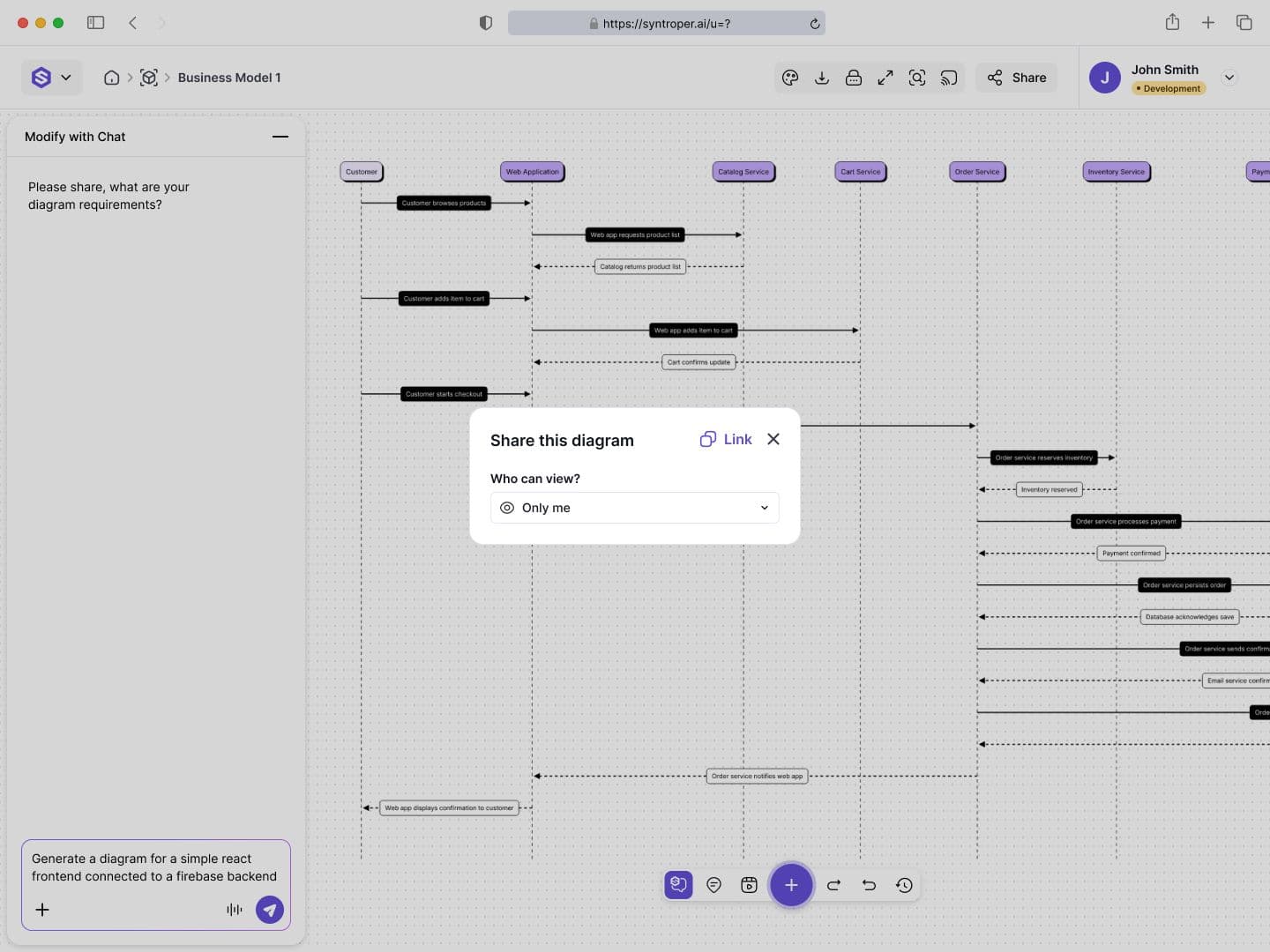
File Sharing allows users to control who can access diagrams, how they can interact with them, and how visibility is managed across the workspace or outside it.
Each shared diagram supports multiple privacy modes, ensuring flexibility for private work, internal collaboration, or public sharing.
Privacy Modes
Only Me
This mode keeps the diagram fully private. No one else can view or access the file, and access is revoked from previously shared users.
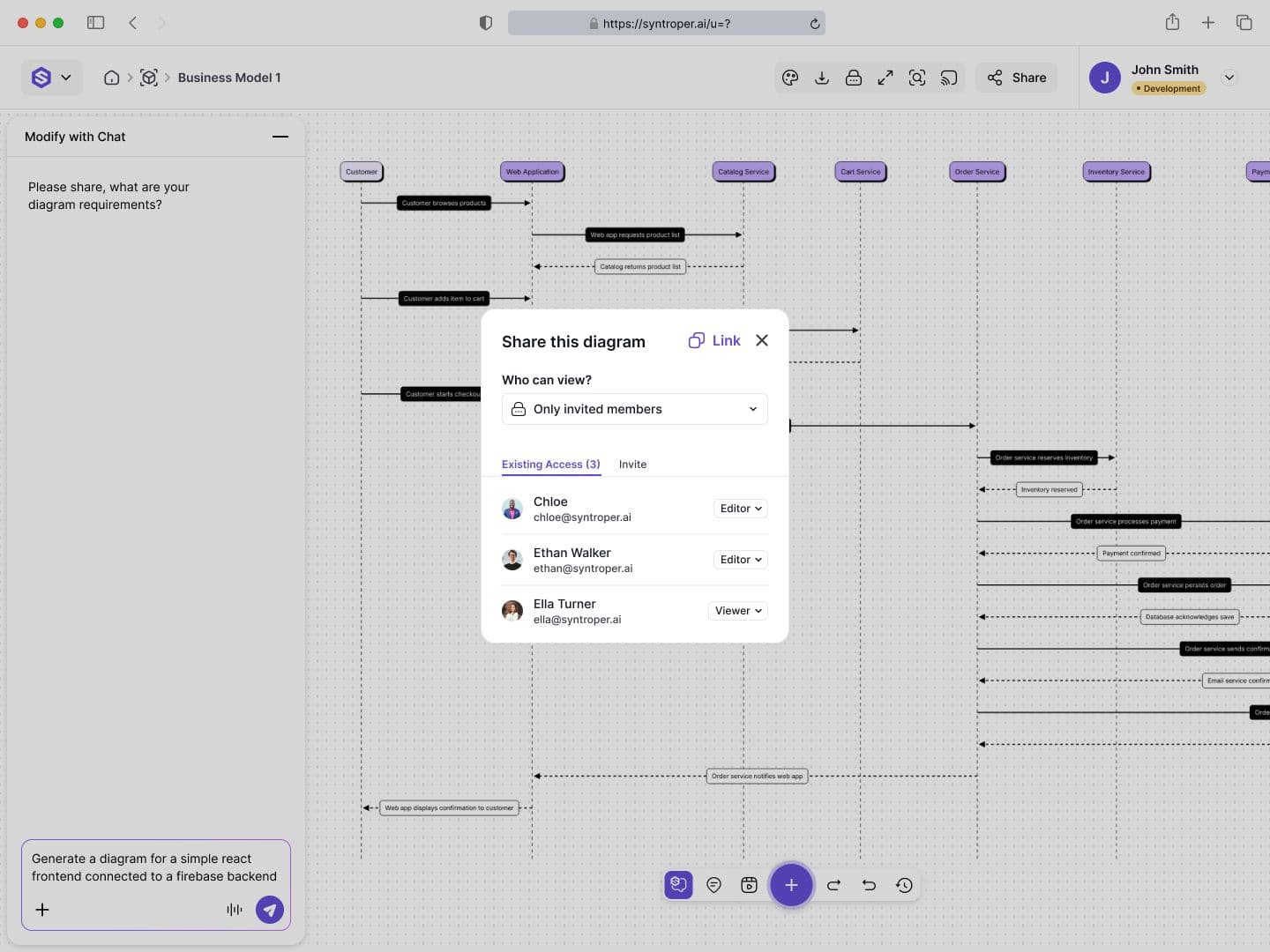
Only Invited Members
This mode allows access only to users explicitly invited via email. Users can be granted viewing or collaboration permissions depending on workspace rules.
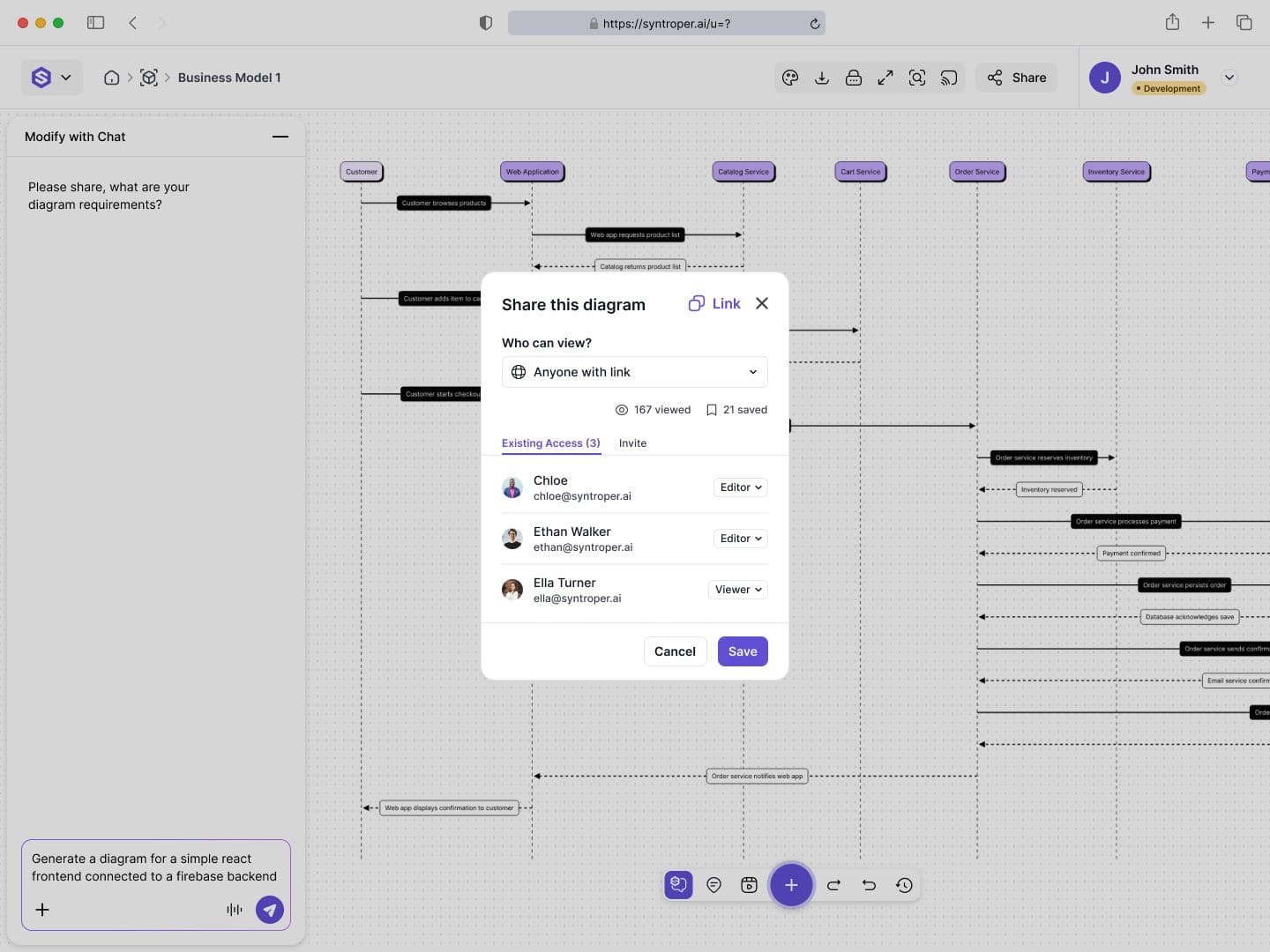
Public
This mode allows anyone with the link to view the diagram. Users can see how many people viewed or saved the file, increasing visibility and engagement tracking.
Sharing Workflow
Users can share diagrams using a secure link or by inviting specific people.
- 1
- Open the diagram
- 2
- Click the Share button in the top bar
- 3
- Select a privacy mode
- 4
- Invite users by email or copy the shareable link
- 5
- Update or revoke access anytime
Engagement Insights for Public Files
For publicly shared diagrams, Syntroper provides visibility metrics that help creators understand how their work is being consumed.
Users can see:
- Number of viewers
- Number of times the diagram has been saved
- Activity trends over time
This helps teams measure reach, interest, and documentation adoption.
Last updated on May 12, 2026