integrationsCurrent EcosystemVisual Studio Code
Visual Studio Code
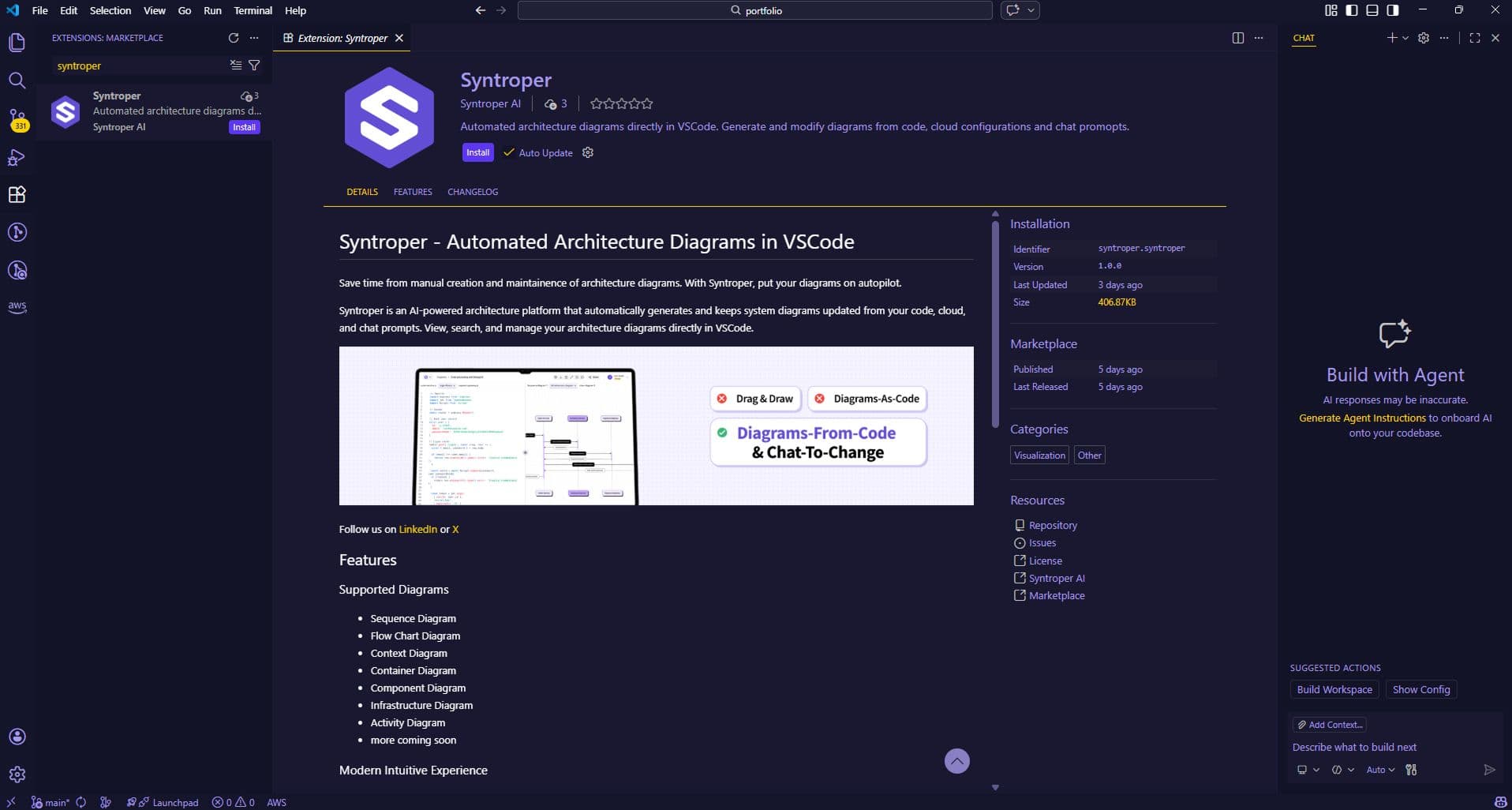
The VS Code integration allows developers to manage diagrams and architectural stories directly from their local code editor. It enables teams to generate diagrams from code, keep architecture in sync with implementation, and create or update architecture stories without leaving VS Code.
This makes it easier to document systems while building them, reducing context switching and keeping architecture aligned with real development.
How to Connect VS Code?
- 1
- Install the Syntroper VS Code Extension from the official marketplace
- 2
- Authenticate Your Syntroper Account
- 3
- Sync Codebase and Generate Diagrams
- 4
- Manage Diagrams and Architecture Stories. Create, edit, and update diagrams and architectural stories directly from VS Code.
- 5
- Refresh diagrams and stories as code changes to maintain accurate documentation.
Last updated on May 13, 2026