collaborationWorkspacesCreating Workspaces
Creating Workspaces
Creating Workspaces
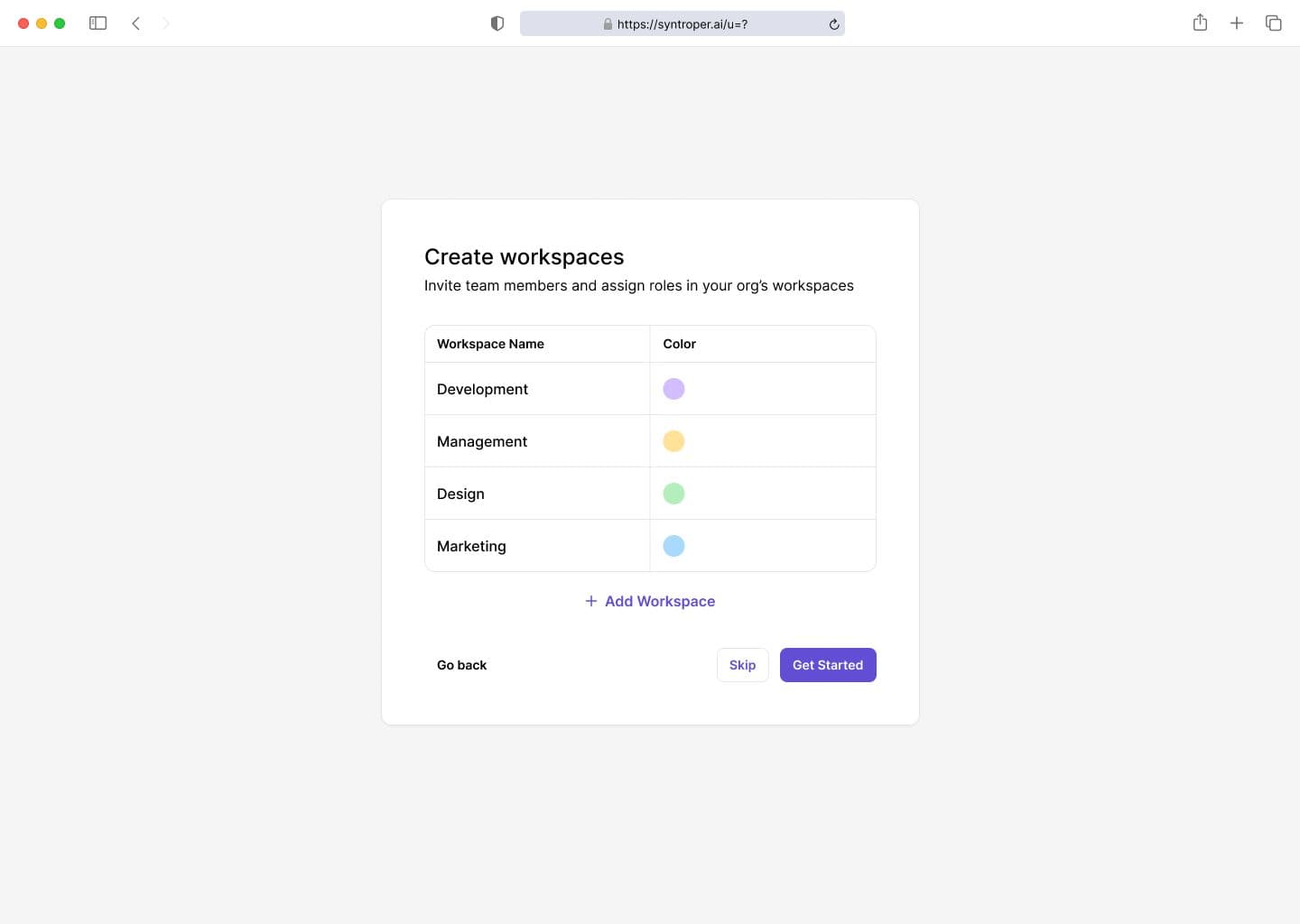
Creating a workspace allows you to set up a dedicated environment for a team, project, department, or organization. A workspace can be structured around a product, engineering team, client project, or entire company. This keeps architecture artifacts organized and prevents cross-team clutter.
How to create a Workspace in Syntroper?
Step 1: Enter workspace name and description
Step 2: Select workspace type (team, product, client, or organization)
Step 3: Invite members or assign admins
Step 4: Choose default permissions and access level
Step 5: Finalize setup and launch the workspace
Last updated on February 16, 2026