collaborationWorkspacesManaging Workspaces
Managing Workspaces
Managing Workspaces
Workspace management focuses on controlling members, content organization, integrations, and governance.
Admins can add or remove members, update workspace details, manage integrations, and monitor activity logs. Teams can restructure folders, archive old diagrams, and maintain consistency across architectural assets.
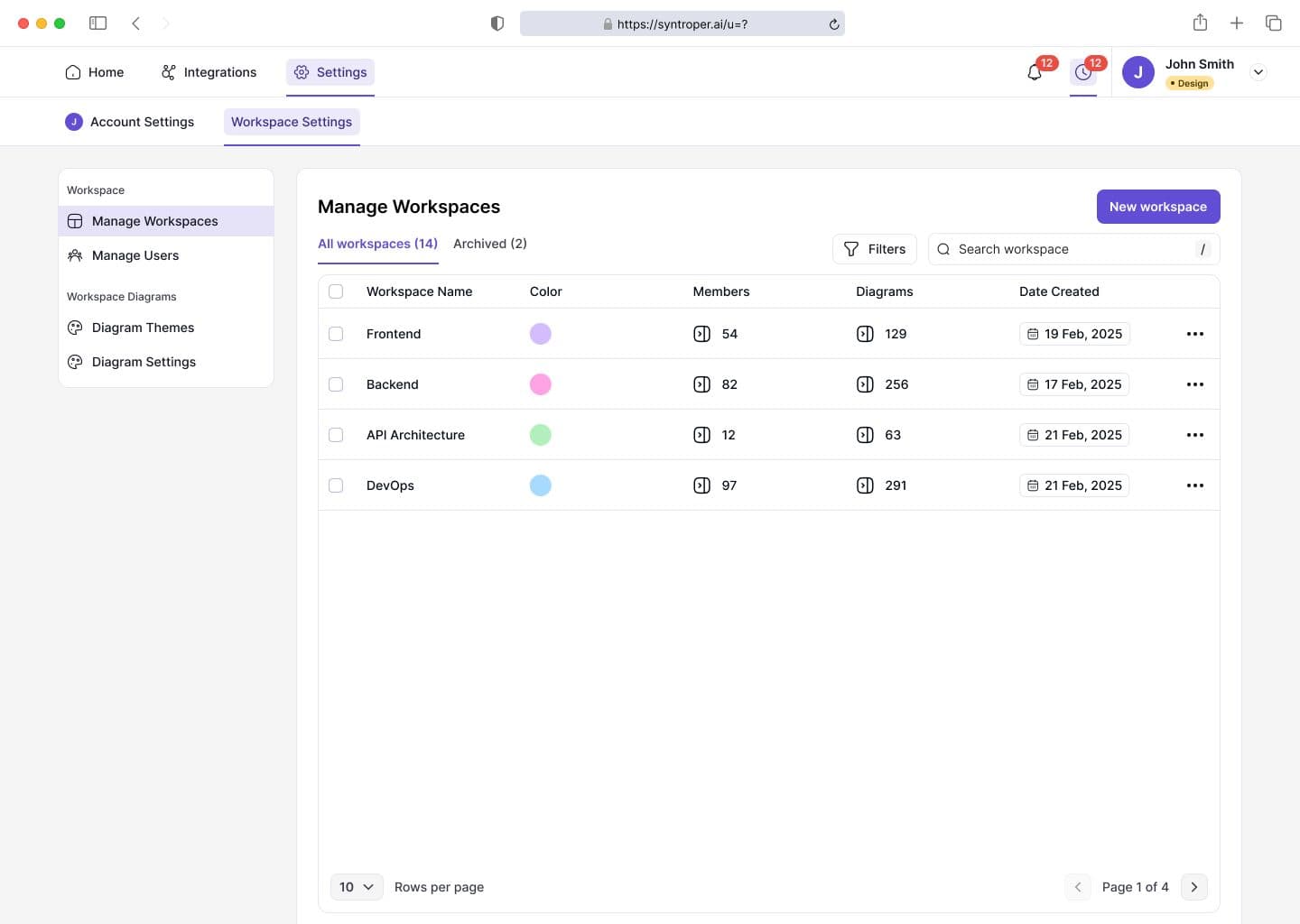
How to manage workspaces from Syntroper dashboard?
- 1
- Access workspace settings from settings tab
- 2
- View list of all the available workspaces. Manage member access and invitations
- 3
- Organize diagrams, stories, and documentation
- 4
- Review activity logs and change history
- 5
- Set default diagrams and other preferences
- 6
- Archive or export workspace data
Last updated on February 17, 2026