collaborationWorkspacesRoles & Permissions
Roles & Permissions
Roles & Permissions
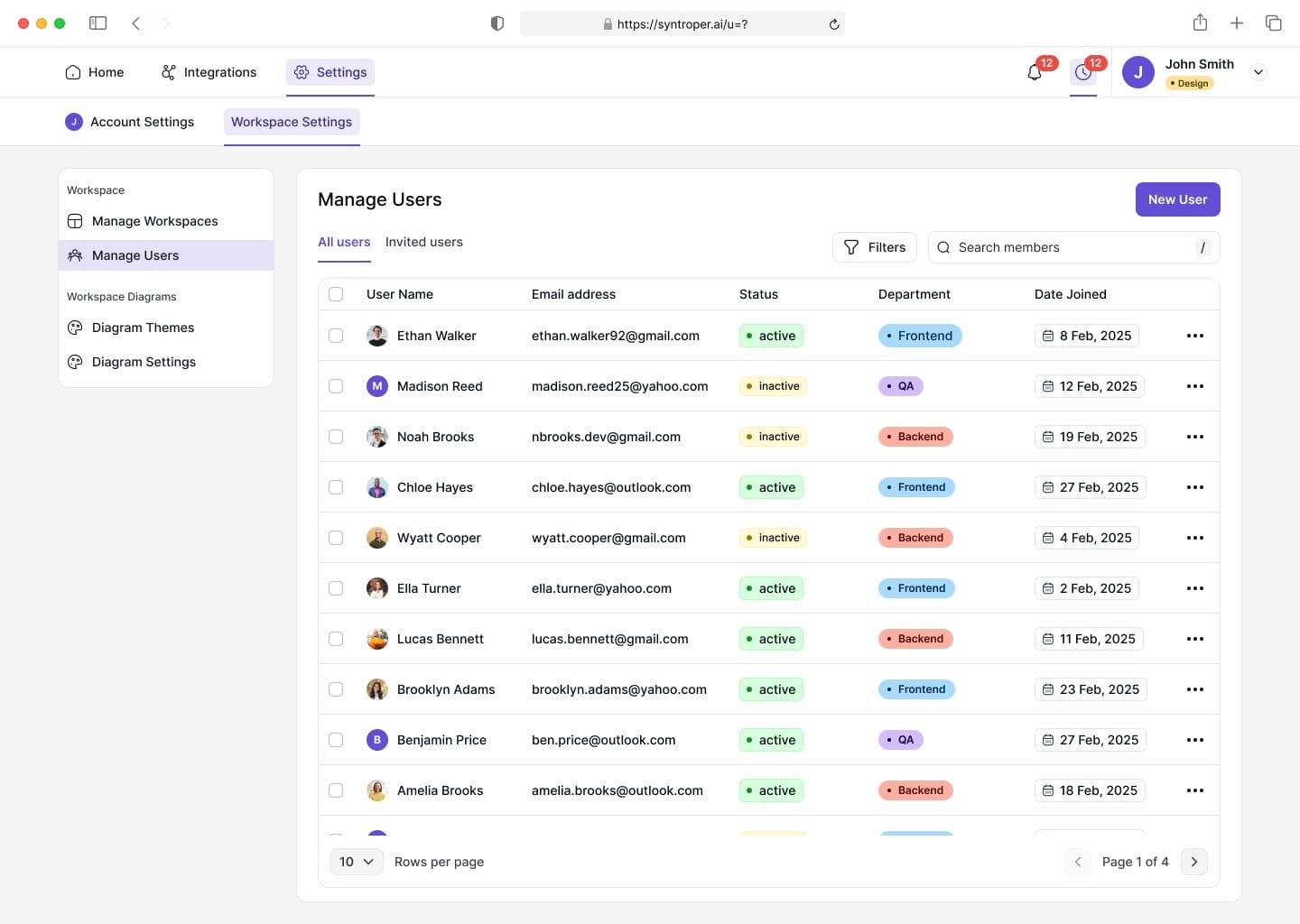
Roles define what users can view, edit, approve, or manage within a workspace. This ensures sensitive architecture assets are protected while allowing the right level of collaboration.
Permissions can be assigned at both workspace and resource levels, allowing fine-grained access control across diagrams, stories, and metadata.
Role assignment flow:
Step 1: Assign role when inviting a member
Step 2: Adjust permissions based on responsibility
Step 3: Restrict access to sensitive workspaces or assets
Step 4: Audit permission changes over time
Step 5: Update or revoke access when roles change
Last updated on February 17, 2026